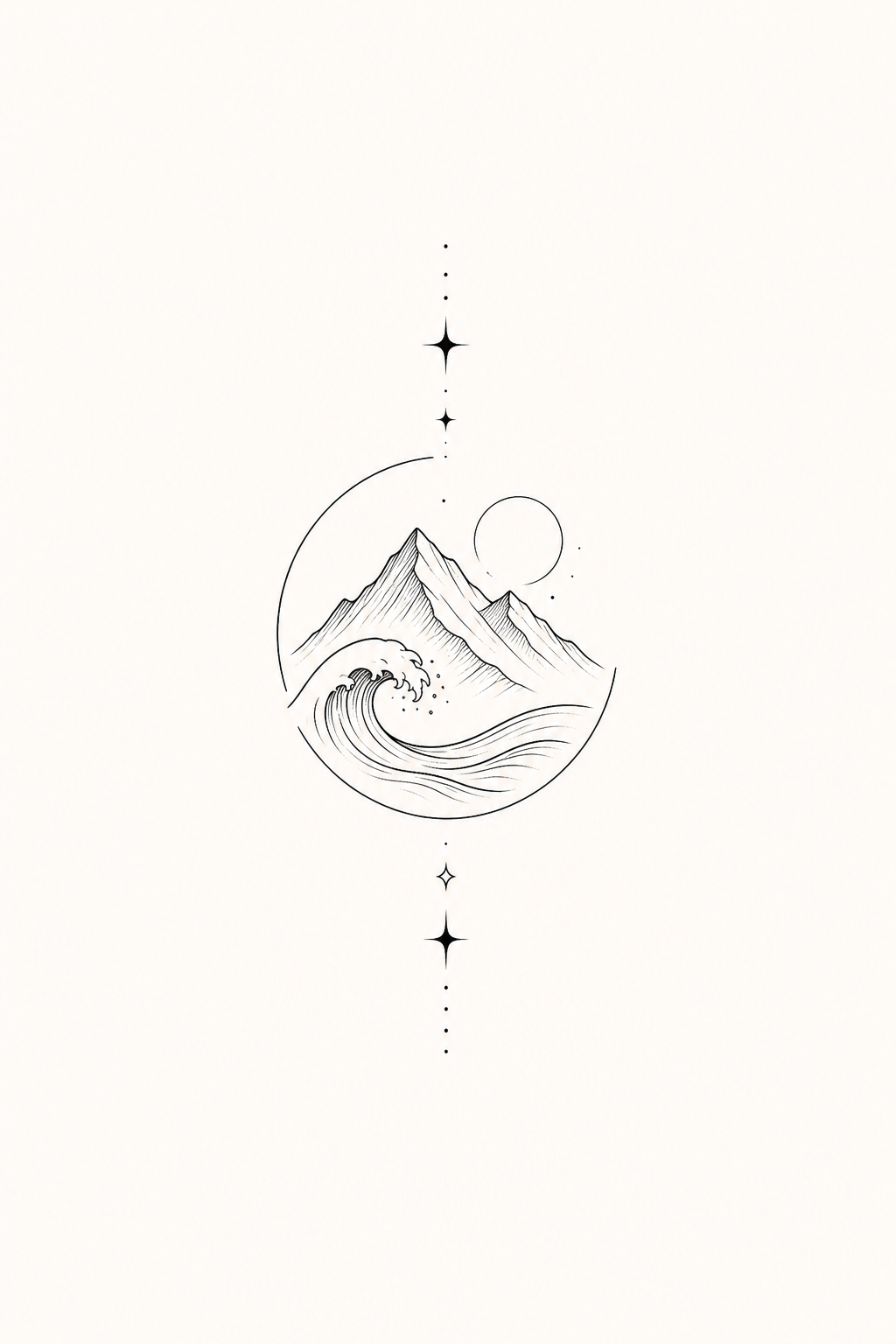
Prompt
mountain and ocean wave
AI tattoo planning for first-time ink
Type an idea, choose a style, then switch between concept, linework, and placement preview before you talk to your artist.
See how simple ideas can become clear tattoo references before you commit to a style, size, or placement.
mountain and ocean wave
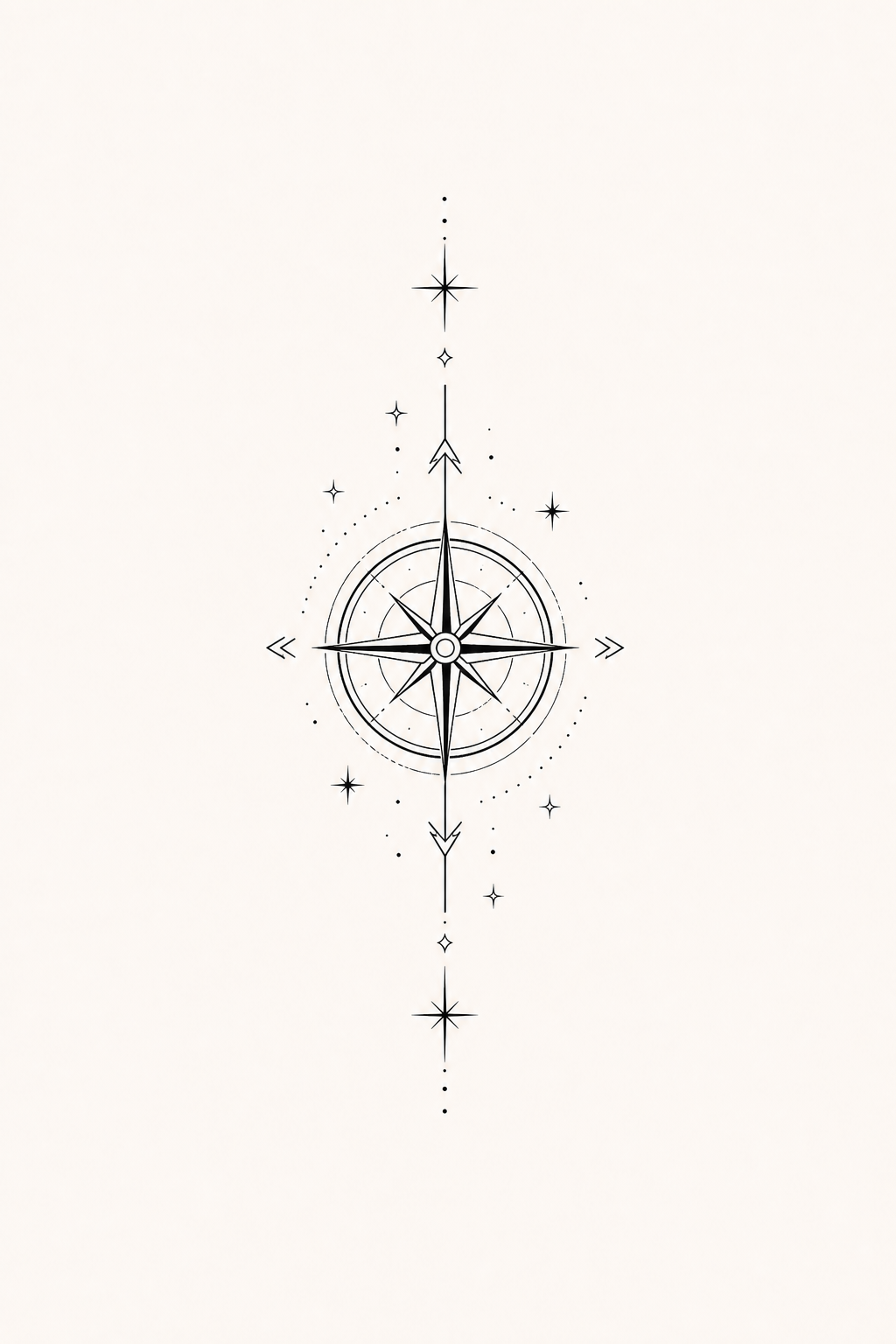
compass with tiny stars

butterfly with flowers
Move from a rough tattoo idea to a clearer artist-ready reference in three steps.
Start with a symbol, phrase, memory, flower, animal, or mood.
Pick a tattoo style, body location, size, and detail level.
Switch views in the Hero preview before downloading a reference.
Start with a simple phrase, then compare concept art, linework, and placement preview in one flow.
InkFirst helps different tattoo decisions feel clearer before you save a reference or visit a studio.
Turn a rough idea into a beginner-friendly concept with size, style, and placement guidance.
Try different symbols, styles, and levels of detail before choosing the direction you want to keep.
Check whether a design still reads clearly on wrist, forearm, ankle, shoulder, or rib placement.
Bring a clearer brief, concept view, and linework direction to your tattoo artist conversation.
Use these practical guides to narrow down an idea, size, and placement before you generate a reference.
Find a meaningful starting point without overcomplicating your first design.
02Explore subtle concepts that can stay clear at a smaller scale.
03Match the design to visibility, body flow, and the placement preview.
04Choose a size that gives the idea room to read clearly.
Each style changes the design direction before you create the final reference.
InkFirst is built around tattoo decisions, not just making a nice picture.
| What matters | InkFirst | Directly asking a tattoo artist | Generic AI image generator |
|---|---|---|---|
| First idea exploration | Fast concept directions before you commit. | Useful, but usually after you already book or message. | Fast, but often too broad for tattoo planning. |
| Tattoo placement preview | Built around body location, size, and readability. | Best for final professional advice. | Usually creates art, not practical placement guidance. |
| Linework / stencil direction | Switch from concept to cleaner linework references. | Best for final stencil preparation. | May include shading, texture, or details that do not tattoo well. |
| Artist conversation | Creates a clearer brief you can bring to the studio. | Still essential for final design and safety decisions. | Often needs extra explanation before an artist can use it. |
Tattoo artists work with reference images every day. InkFirst gives you a clearer starting point than a Pinterest screenshot.
Save both the high-resolution concept image and the cleaner linework version.
Tell your tattoo artist, “I want this direction. Please adjust the details for my skin and placement.”
The AI reference is the starting point. The final artwork should be refined and completed by your tattoo artist.
Generate first, then pay for more generations, private designs, linework exports, and high-resolution downloads.
Try tattoo ideas before you commit.
Best for one tattoo idea.
Best for serious tattoo planning.
Best value for multiple tattoo ideas.
Creator Pack is selected. Best for one tattoo idea.
InkFirst creates references for tattoo planning. A professional tattoo artist should still refine the final design for your skin, size, and placement.
Yes. The artist brief and linework view are meant to make your studio conversation clearer.
Yes. The product is designed around first tattoo decisions like idea choice, placement, size, and complexity.
Linework is a cleaner outline-style reference that is easier to discuss than a full AI concept image.
Yes. The placement preview helps you understand how body location affects scale and composition.
No. The Creator Pack is a one-time option for one tattoo idea.